
With so many supplier onboarding materials, how does the AI digital employee review them on behalf of the buyer? Kailing Technology's AI digital employee cross-checks attachments across systems, submits approvals, and follows up on results

After a new supplier submits its business license, qualification certificates, account information, and cooperation agreement, procurement staff often have to check item by item across email, shared drives, ERP, and approval systems. Kailing Technology's AI digital employee can handle material collection, field comparison, and to-do tracking, return doubtful points requiring judgment to the procurement staff, and then submit for approval according to authorization.

▍First clarify what the digital employee reviews
Supplier onboarding is not about letting AI decide for the enterprise "whether cooperation is possible." What is suitable for automated processing is verifiable preparatory work: whether attachments are complete, whether license names match the supplier profile, whether validity periods are approaching, whether the bank account conflicts with the application form, and whether duplicate suppliers already exist. Buyers and compliance roles remain responsible for qualification authenticity, risk judgment, and exception approval.
Kailing Technology's AI digital employee can turn checklists, fields, and rules into task steps and connect to the enterprise's existing material entry points and business systems. Each task records which files were used, when they were read, and what discrepancies were found. If the material version is updated, recheck the new version to avoid mistakenly carrying an "approved" status from an old license into the current onboarding.
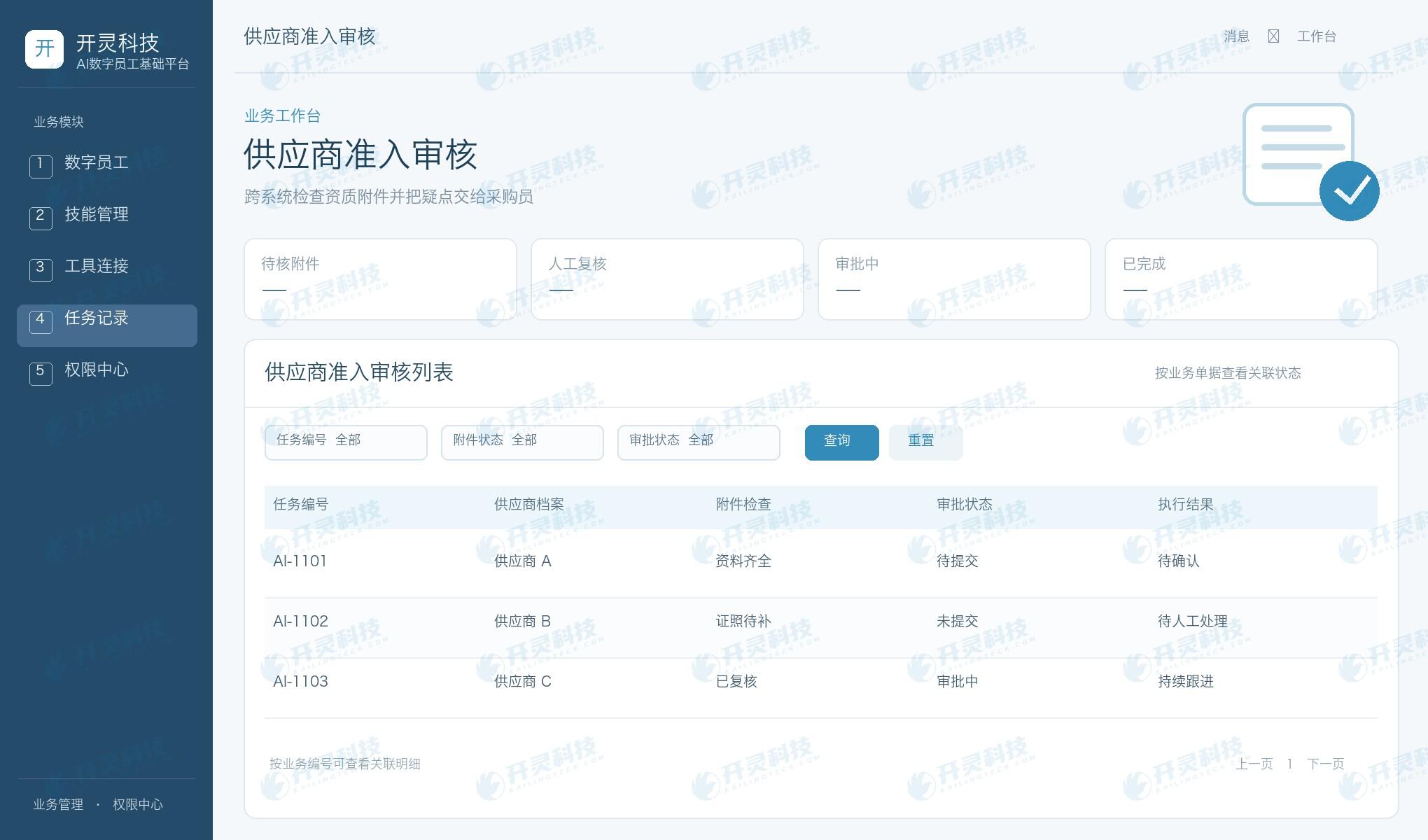
Supplier onboarding materials and approval tasks
▍Cross-system data retrieval requires permission boundaries
Attachments may be in email or portals, supplier files in ERP, and approval processes in OA. Before calling tools in each system, the digital employee authorizes the readable scope according to role and task; it obtains only the information required for that access. Purchasers can see the fields read by the task and the returned results, and sensitive account information should also be displayed according to permissions.
If the system does not yet have a standard interface, you can first pilot with a controlled file entry and manual confirmation step; there is no need to have the AI digital employee operate all systems from the start. Kailing Technology's foundational platform manages calls around tool connections, permissions, and execution records, making "what it checked and what it changed" traceable.
▍The discrepancy list must be actionable
When the system finds an expired license, inconsistent company name, or missing key attachments, it should not give only a composite score. Task results should list file names, fields to be verified, suggested supplementary documents, and affected approval conditions. Procurement staff can confirm item by item, return to the supplier for supplementation, or fill in an exception explanation.
OCR and text understanding can help extract material content, but scan quality, seals, and license status may still require human judgment. Digital employees should clearly mark "pending verification" when uncertain rather than fabricate conclusions. After processing is complete, retain the handler, opinions, and new attachment versions so that factual materials can be reused in the next onboarding review.
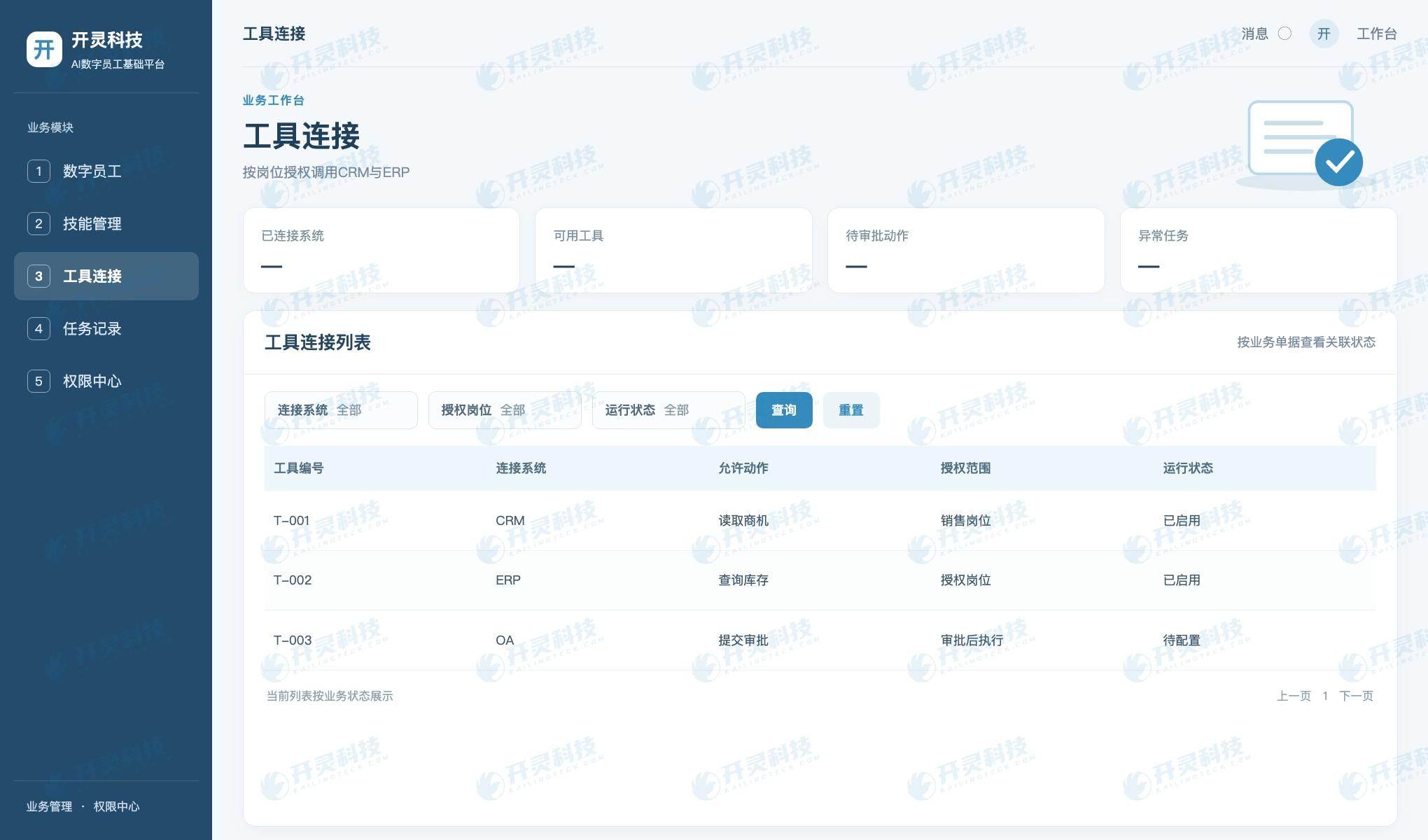
Cross-system tool connection and authorization
▍Follow up on results after submitting for approval
After document verification is complete, the digital employee can generate an approval draft according to authorization, filling in verified fields and the attachment directory; for formal submission or key status changes, purchaser confirmation can be set. During approval, process nodes can be queried and pending tasks reminded; after an approval is returned, the reason is located to the corresponding document.
Passed, returned, supplemented, and terminated are different outcomes. The platform links approval numbers, approval comments, and supplier files, so purchasers do not need to manually copy notifications into ERP after receiving them. Kailing Technology's AI digital employee forms a complete task chain from inspection to follow-up, but every automated action should have an authorization scope and a human takeover point.
▍Pilot with typical supplier samples
For the pilot, five sample types can be selected: complete documentation, licenses about to expire, inconsistent accounts, companies with the same name, and approval returns. Check whether the digital employee accurately identifies discrepancies, reads systems only within the authorized scope, and can write approval results back to the task record.
When measuring efficiency, enterprises can look at the number of back-and-forth supplement requests, the buyer's duplicate entry time, and the clarity of exception handling. The value of automation lies in letting buyers focus on risk and partnership judgments rather than repeatedly opening attachments to compare the same field.
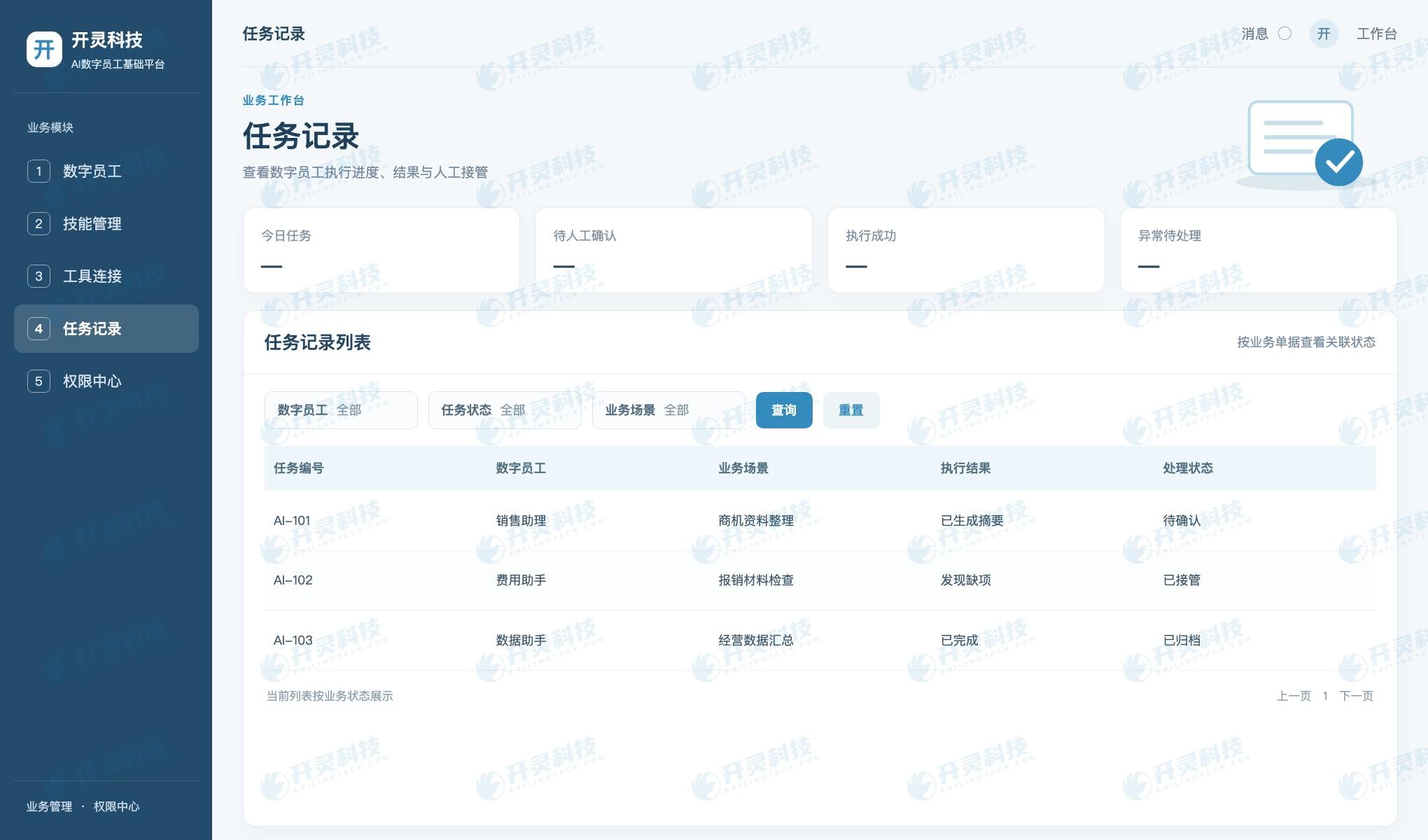
Execution records and manual takeover
▍Enable buyers to review the digital employee's work
Onboarding material checks should have a clear task checklist: which licenses must be submitted, which fields each license corresponds to, and which information must match the ERP master data. The rules are determined jointly by procurement, legal, and finance. The digital employee can execute according to the checklist, but should not invent onboarding standards on its own when rules are missing.
When checking license validity periods, distinguish between expired, nearing expiry, and unrecognizable dates. Suppliers nearing expiry can continue into certain evaluation stages, but whether formal cooperation is allowed is determined by company policy. Giving buyers specific dates and file locations is easier to handle than giving only a risk score.
Bank account information is sensitive data. When comparing application forms, account opening certificates, and ERP files, the digital employee may show full account numbers only to authorized roles; other roles see matching results and necessary masked information. Reading, comparison, and writing are authorized separately, preventing a single general account from having excessive operational capabilities.
After a supplier submits a new version of an attachment, the old version is retained but no longer serves as valid evidence for this approval. The task record explains which file was replaced, why it was rechecked, and which original concerns have been resolved. If the approval is returned, the buyer can directly relay the items to be supplemented to the supplier, reducing back-and-forth email inquiries.
When the system calls OA to submit for approval, it can first generate a draft for procurement staff to confirm. If a field conflicts with ERP master data, the approval should not be submitted automatically; if it is only a formatting issue, it can be corrected automatically according to rules and an operation record left. The clearer the manual confirmation points, the more confidently the procurement team can use automation.
In addition to missed-report and false-report rates, launch acceptance should also examine whether buyers know how to take over exceptions. Select a batch of real but anonymized onboarding materials and compare manual review conclusions with the task list; for items found by the system but overlooked by humans, improve policies and training in turn.
▍Start procurement onboarding automation where rules are clear
Not all supplier materials are suitable for an AI digital employee to handle from the start. Business license names, license validity periods, completeness of attachments, and duplicate records in ERP are relatively clear verification tasks; financial stability, service capability, or on-site inspections require more professional judgment. In a pilot, start with clearly bounded actions, then expand to multi-system collaboration.
Enterprises should set logs and rollback methods for each automated action. When a digital employee submits an approval draft, it records the license version referenced; if the buyer finds a wrong attachment, it can be withdrawn or corrected; if the OA interface fails, the task shows the failure reason and allows manual continuation, without leaving the supplier file in a half-completed state.
After onboarding is complete, license expiry reminders, account change reviews, and renewal material checks can reuse the same supplier record. This way, the digital employee is not just a one-time form-filling helper, but continuously flags items that need updating throughout the procurement lifecycle.
▍FAQ
Q: Can an AI digital employee directly approve a new supplier?
A: Whether automatic submission or approval is allowed is determined by the enterprise's permissions and approval system; key judgments should usually be completed by authorized personnel.
Q: What should be done if a license image is unclear?
A: Mark as pending verification and prompt for clearer materials to be supplemented; do not fill in validity periods or license names based on guesswork.
Q: What can a digital employee do after an approval is returned?
A: Link the return reason, attachments to be supplemented, and responsible person, and initiate follow-up processing according to the rules after the update.
Visit Kailing Technology to learn about related products and implementation plans: https://www.kailingteck.com/de/ .
As a national high-tech enterprise, Kailing Technology focuses on the digital and intelligent transformation of enterprise business-finance-tax and operations management, providing software products, system integration, implementation and delivery, and operational services for various government agencies, institutions, group enterprises, and SMEs.
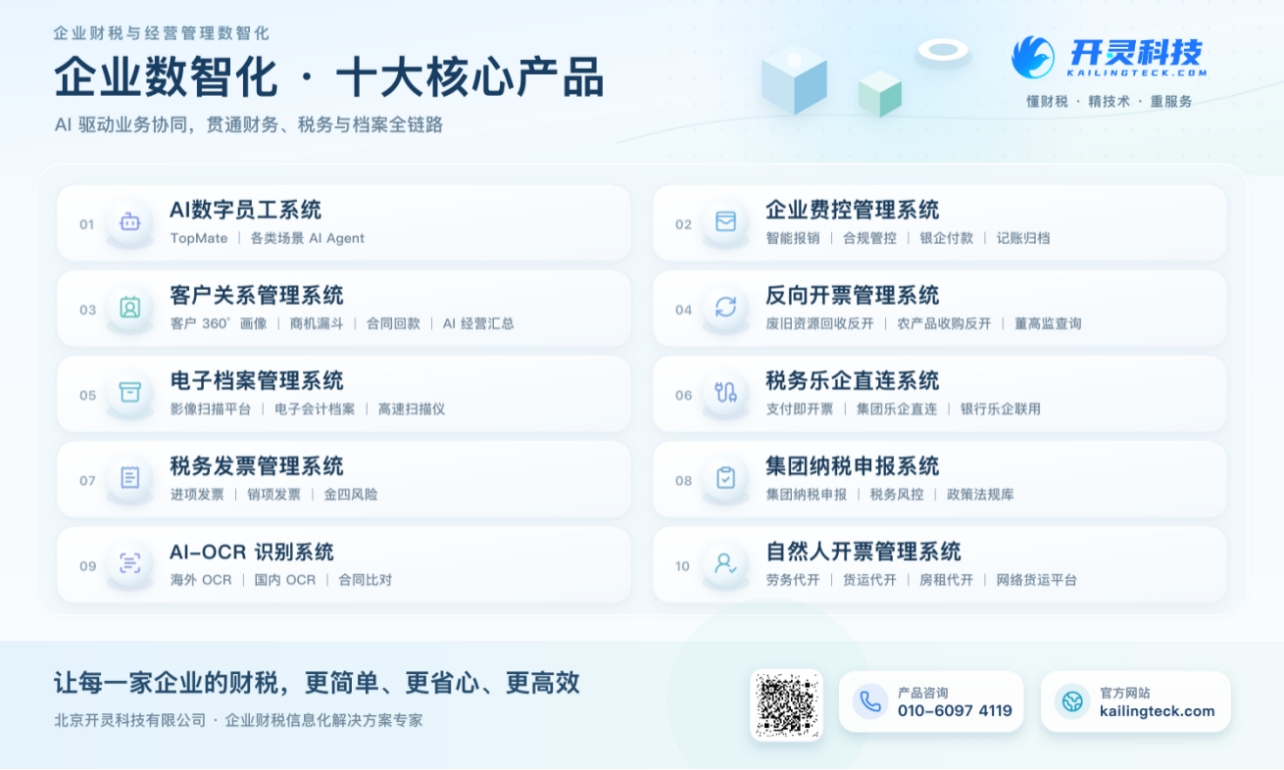
The company has now formed ten core product lines, including: AI digital employee system, enterprise expense control management system, customer relationship management system, reverse invoicing management system, invoice issuance for individuals management system, electronic archives management system, tax fully digitalized e-invoice Leqi system, tax invoice management system, group tax filing system, and AI OCR recognition system. It is committed to connecting enterprise business, finance, tax, funds, and archive data to help customers improve operational efficiency, business-finance-tax compliance capabilities, and digital management levels.
If you have any business-finance-tax digital transformation needs, welcome to contact us. Beijing Kailing Technology will serve you wholeheartedly.
Keywords: Kailing Technology AI digital employee, supplier onboarding, attachment review, cross-system approval, procurement intelligence
As a comprehensive business-finance-tax digitalization solution service provider, Kailing Technology provides business-finance-tax management digital transformation products and operational services for various government agencies, institutions, and large, medium, and small enterprises. The product line includes: solutions for sales contract management system, procurement contract management system, fully digitalized Leqi interface project, automatic output invoicing system, reverse invoicing system, invoice issuance for individuals system, employee expense control and reimbursement system, input VAT invoice management system, supply chain collaborative reconciliation system, image AI OCR recognition system, automatic financial bookkeeping system, electronic accounting archives system, etc., comprehensively driving the digitalization process across various fields.
Consultation Hotline: 18513895936 / 010-60974119 Location: Beijing