010-6097 4119Book a Demo


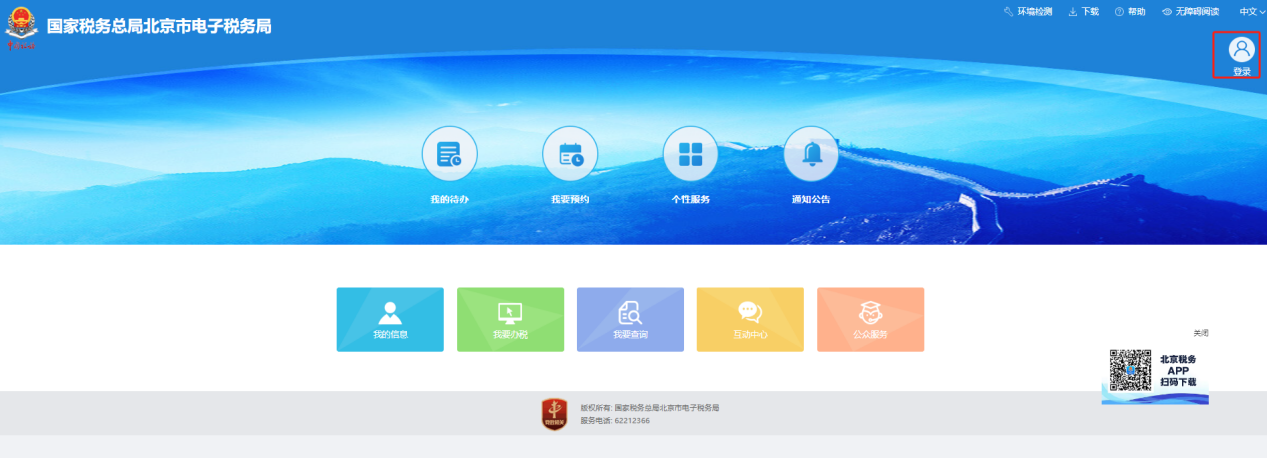
Practical Guide | What to Do If You Forget Your Electronic Tax Bureau Password? How to Reset It?Published: 2024-06-27 17:21 1. On the electronic tax bureau of the corresponding province, click the login button.
2. On the new login screen of the Electronic Tax Bureau, click [Forgot Password].
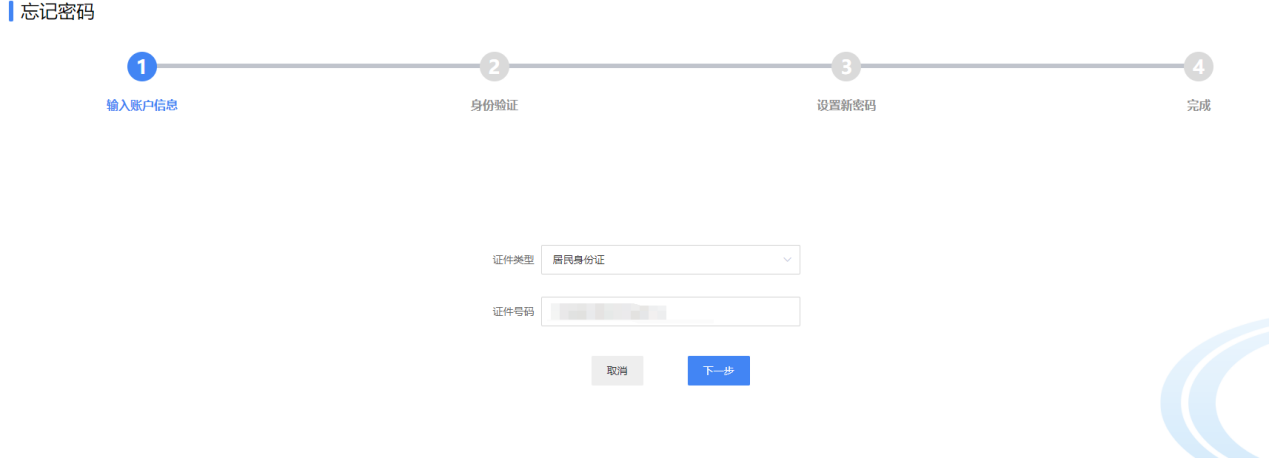
3. Select ID card, enter the ID number, and click Next.
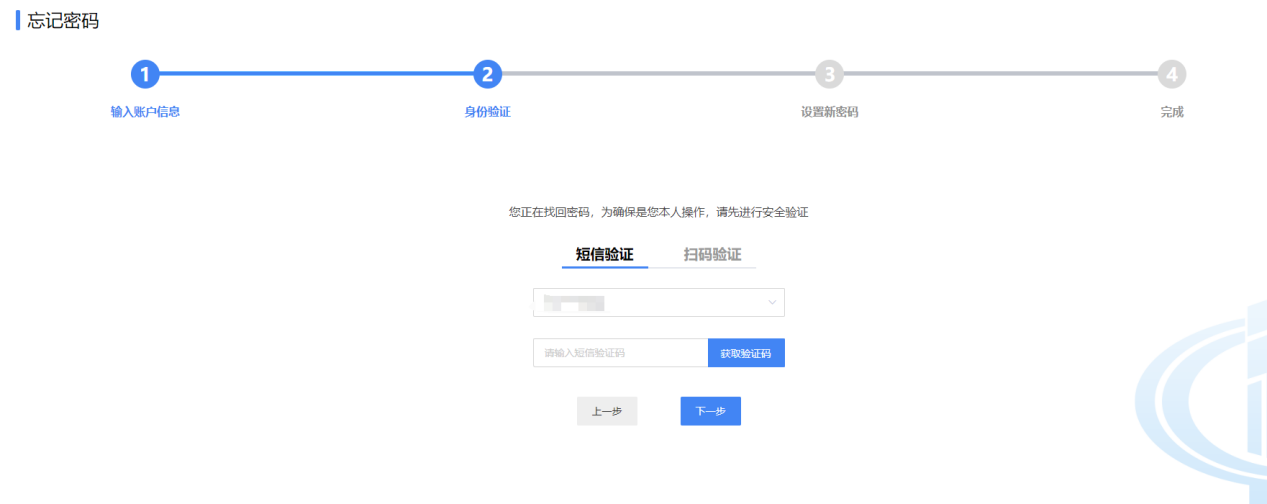
4. Receive the SMS verification code, or use the tax app for face-scan authentication, to change the password.
Kailing Technology provides enterprise business-finance-tax digital product lines according to enterprise needs: Solutions for businesses including sales contract management system, procurement contract management system, fully digitalized Leqi interface project, output automatic invoicing system, employee expense control and reimbursement system, input VAT invoice management system, supply chain collaborative reconciliation system, image OCR recognition system, automatic financial bookkeeping system, and electronic accounting archives system, professionally and efficiently supporting the transformation and upgrading of enterprise business-finance-tax digital management. If you have any business-finance-tax digital transformation needs, welcome to contact us. Beijing Kailing Technology will serve you wholeheartedly.
|