
What should be done when overseas invoice tax numbers, currencies, and date formats differ? Kailing Technology overseas invoice AI OCR unifies fields

An employee finished an overseas business trip and handed three invoices to finance: the German invoice had a local tax number, the Japanese invoice listed the amount in yen, and the English receipt wrote the date as a month word plus a day. While the finance assistant entered them cell by cell into the spreadsheet, they carried over the previous row's currency for one invoice and entered the English date into the reimbursement system in another order. The reviewer found that the totals did not match and could only go back through the original files again.
Kailing Technology overseas invoice AI OCR builds the same processing track around these three invoices: first save the original file and layout position, then extract tax number, currency, amount, and date candidates; field mapping preserves the original value and explanation; low-confidence or logical conflicts enter review; confirmed standard fields are sent into the finance process via interface or batch file, and revision results continue to return to the original invoice.

▍Three overseas invoices are first recognized separately, then enter the same field queue
Finance uploads a German invoice, a Japanese document, and an English receipt together. The system first retains page numbers, images, and sources by file, then recognizes the merchant, tax number labels, currency clues, amount areas, and date positions in the layout. Each candidate field carries original text, coordinates, and confidence status; reviewers can click a field to return to the corresponding position on the invoice face.
German invoices enter tax number type confirmation, Japanese invoices enter currency and amount verification, and English receipts enter date semantic judgment. The system does not force the three invoices into the same layout, but instead sends business fields extracted from different layouts into a unified queue. What finance sees is three clear processing tasks, not a whole page of recognition text that is difficult to check.
▍German tax numbers are saved together by original label, original value, and type
After the local tax number on a German invoice enters the recognition result, the system simultaneously saves the country or region, invoice label, original number, candidate type, and standard display value. When finance personnel view the tax number, they can see whether the number comes from the header or the supplier information area, and can also compare the merchant name and address to confirm which business entity it corresponds to.
The same supplier may use different name abbreviations and may have multiple numbers on the invoice. The system uses supplier master data matching results as verification clues and places the numbers into candidate fields respectively; after the reviewer selects the correct type, the result is written to the standard layer while retaining unused candidates and processing records. The next reviewer can look back at the basis for the selection.
At interface output, the enterprise field dictionary determines which field the tax number type, original value, and supplier identifier each fall into. When the downstream system only needs one display field, the original label and original file can still be queried through the source number. This both satisfies structured entry and preserves the overseas invoice's own numbering system.

Overseas tax number original value, type, and standard field
▍Yen amounts first lock the original currency, then generate conversion fields according to enterprise rules
When a Japanese invoice enters amount processing, the system simultaneously reads the currency symbol, currency text, merchant region, and amount position, and treats yen as a candidate currency. The original currency amount on the invoice is stored separately, and the tax-inclusive amount, tax-exclusive amount, tax amount, and total maintain their original hierarchy, while the review page uses the total relationship to flag possible missed readings or misalignment.
After Finance confirms the currency, the standard fields output an explicit currency code and the original currency amount. When the enterprise needs the amount in the base currency, the exchange rate source, exchange rate date, and rounding method are brought in by established financial rules, and the conversion result is written to a separate field. The original currency amount is not overwritten by the converted value, and the reviewer can trace from the base currency result all the way back to the invoice face amount.
If the same document has multiple currencies or additional service fees, the system organizes them separately by detail and total positions, and abnormal amount relationships enter the review queue. The currency that was manually carried over incorrectly at the beginning of this article will be flagged when the currency code, merchant region, and invoice face clues are cross-checked, so finance does not need to wait until month-end consolidation to discover it.
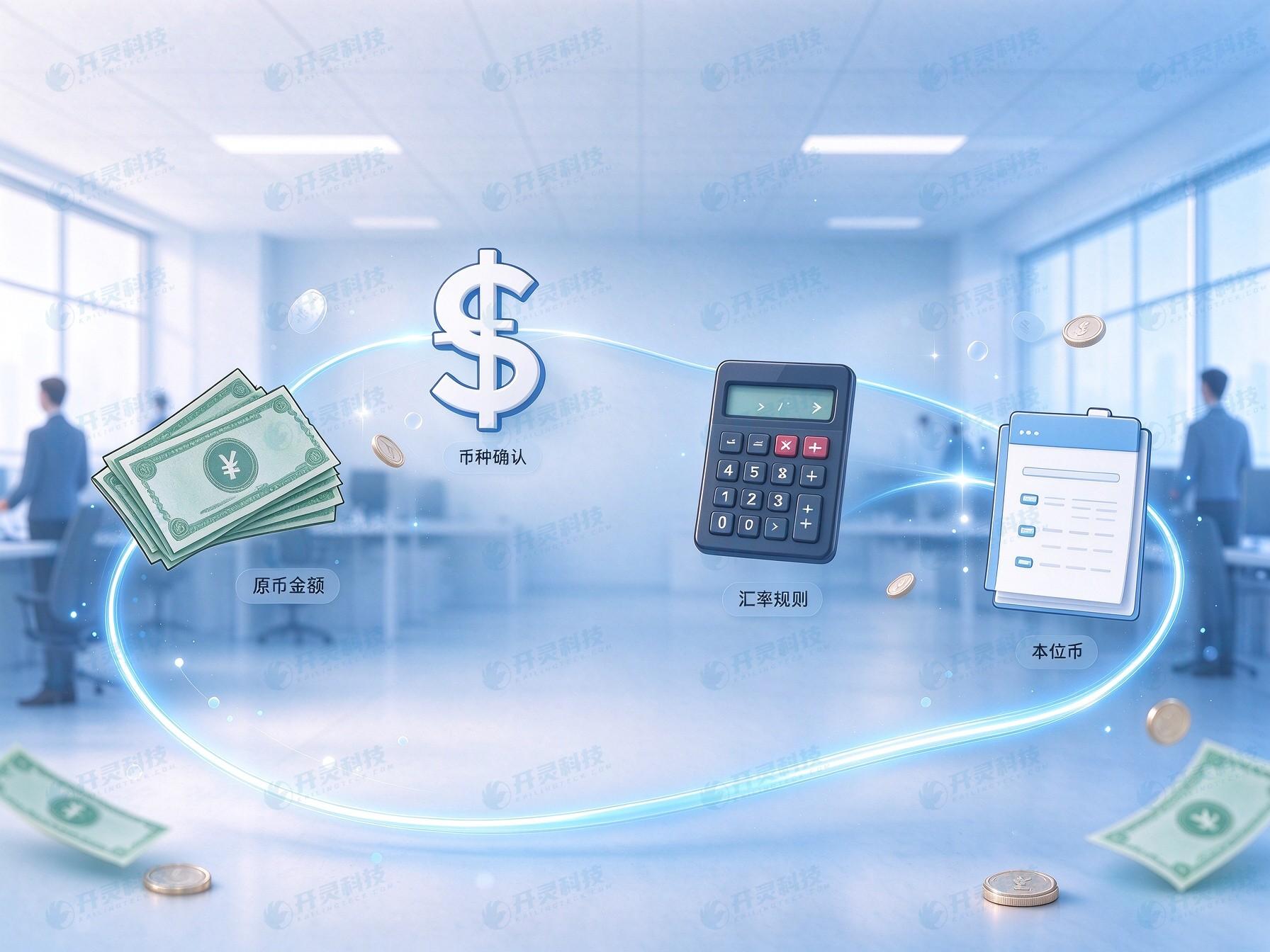
Relationship between original currency, exchange rate, and functional currency fields
▍English dates are first judged for semantics, then converted into a unified format
An English receipt writes the month as a word; the system reads the original string and its region, and determines whether it is the invoicing date, consumption date, payment date, or due date. If multiple dates appear on the invoice face, each date's field semantics are stored separately, avoiding mixing employee consumption time and merchant invoicing time into the same column.
When a digital date has month-day order ambiguity, the system provides candidates based on language, region, merchant information, and other dates on the invoice. Fields with insufficient confidence enter manual review, and the page simultaneously displays the original text position, two candidate interpretations, and related context. After the reviewer selects the semantics, the standard layer generates a unified date format and records the handler and time.
The original date always remains in the source layer. If an employee or finance later discovers a mapping error, they can open the original invoice to correct the standard value; when downstream has already received the old value, the system generates a correction output through version and status. The date thus transforms from a text easily entered in reverse into a business field with source text, semantics, and version.

Overseas date original text, semantics, and standard format
▍Kailing Technology uses a three-layer field structure to organize recognition results
The first layer stores the original file, original text, page number, and coordinates, solving 'where does this value come from'; the second layer stores the Chinese explanation, field type, and candidate relationships, solving 'what does this value express'; the third layer outputs the standard name, data type, and format needed by reimbursement, ERP, or the shared center, solving 'how does downstream receive it'. The three layers are linked by the same document number and field number.
Finance sees the currency code at the standard layer, clicks to expand the Chinese explanation, and then locates the original currency area on the Japanese document; seeing the standard date, they can also return to the English original text. Problems in recognition, interpretation, and mapping are thus located separately: misread original text enters recognition review, ambiguous meaning enters business confirmation, and fields placed in the wrong position trigger adjustment of mapping rules.
The field dictionary is jointly maintained by finance, business, and technology, recording the Chinese name, source label, data type, whether required, conversion rules, and downstream fields. When adding a new country or invoice type, the project team first supplements samples and the dictionary, then extends the mapping. Existing interfaces retain versions, reducing the risk of an entire batch import failing due to a single field rename.

Overseas document recognition and unified field processing flow
▍Low confidence and logical conflicts enter an actionable review loop
The review queue is sorted by field importance and issue type. Fuzzy tax numbers, currency conflicts, date ambiguities, and abnormal amount totals respectively display the current candidate, original invoice position, and trigger reason. Finance staff confirm or revise directly on the same page, and when foreign language meaning requires assistance, assign that field to business or language personnel.
Revision actions retain the original value, revised value, handler, time, and description. If the same issue repeatedly appears in the same merchant's layout, the project team groups the related documents, updates the field rules, and regresses with historical samples; if the issue comes from reflection, cropping, or resolution, the upload entry prompts employees to retake the photo. Exception handling thus expands from fixing one document to improving a category of documents.
After review is complete, the standard fields re-enter the amount, currency, and date logic checks, and upon passing, the output status is updated. Old results already delivered downstream form correction tasks, while results not yet sent directly use the new version. Finance can see the complete trajectory from recognition and review to write-back.
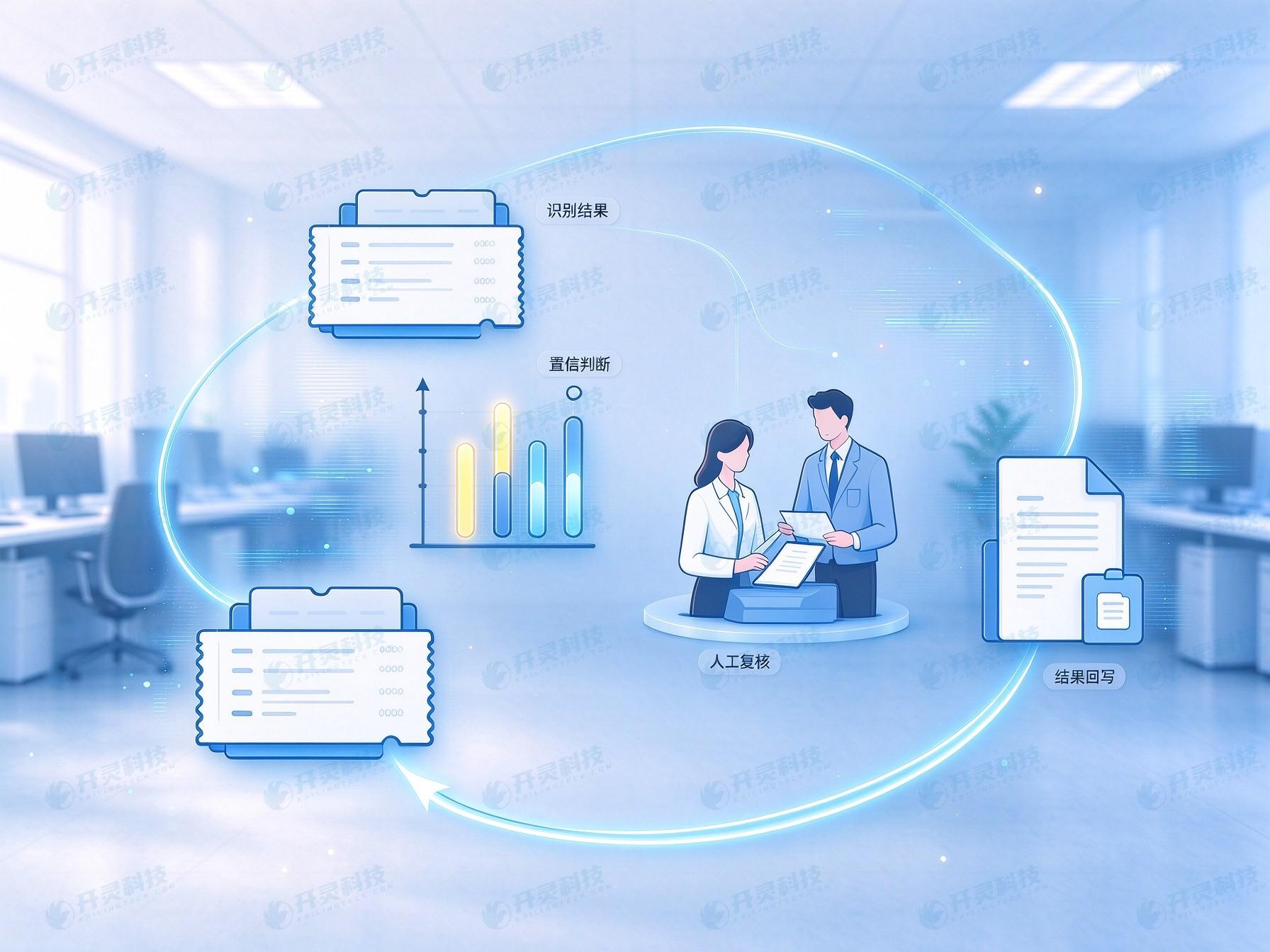
Low-confidence fields enter the manual review path
▍Interface output carries field lineage, and abnormal results continue to flow back
Confirmed documents can enter reimbursement, ERP, and shared service centers via API or batch files. The output includes document number, standard fields, original field references, processing status, and version; downstream systems save the receipt result. Duplicate submissions use the same request identifier, failed files enter a separate retransmission queue, and successful records keep their original status.
Acceptance does not look at the full-page effect of one clear sample invoice, but prepares samples by country, language, invoice type, image quality, and source channel, and checks the tax number, currency, date, merchant, amount, and line items separately. The three opening invoices each also add one exception: a blurred tax number, conflicting currency clues, and unclear date semantics, to observe whether the system sends them to the correct reviewer.
The visible result of Kailing Technology overseas invoice AI OCR is that finance does less mechanical transcription, key fields retain the original text and processing basis, downstream receives a unified structure, and errors can return to the original invoice and original step. Enterprises first lock in high-frequency countries, invoice types, and fields, then gradually expand the sample scope, maintaining a reviewable overseas invoice data chain over the long term.
▍FAQ
Q: How do overseas tax numbers enter the enterprise unified fields?
A: The system saves the country or region, invoice label, original number, and candidate type; after review and confirmation, they are mapped to the enterprise field dictionary, and the original file and original value remain searchable.
Q: What to do when the invoice only has a currency symbol?
A: The system generates candidates based on the merchant's region, invoice text, and amount context; when clues conflict, it enters review, and after confirmation outputs the currency code and original currency amount.
Q: After dates are unified, can the original writing still be seen?
A: Standard dates are linked with original strings, field semantics, invoice coordinates, and processing versions, so finance can return from downstream fields to the original invoice for verification.
Q: How are manually revised results synchronized to ERP?
A: After revision is completed, rule checks are re-executed, and the system generates corrected output or updates pending send results by version, and records downstream receipt status.
Make overseas document fields readable, connectable, and traceable; learn about Kailing Technology AI OCR: https://www.kailingteck.com/ai-ocr/ .
As a national high-tech enterprise, Kailing Technology focuses on the digital and intelligent transformation of enterprise business-finance-tax and operations management, providing software products, system integration, implementation and delivery, and operational services for various government agencies, institutions, group enterprises, and SMEs.
The company has now formed ten core product lines, including: AI digital employee system, enterprise expense control management system, customer relationship management system, reverse invoicing management system, invoice issuance for individuals management system, electronic archives management system, tax fully digitalized e-invoice Leqi system, tax invoice management system, group tax filing system, and AI OCR recognition system. It is committed to connecting enterprise business, finance, tax, funds, and archive data to help customers improve operational efficiency, business-finance-tax compliance capabilities, and digital management levels.
If you have any business-finance-tax digital transformation needs, welcome to contact us. Beijing Kailing Technology will serve you wholeheartedly.
Keywords: Overseas invoice tax number, overseas document currency, overseas date format, overseas document AI OCR, multilingual OCR, field standardization
As a comprehensive business-finance-tax digitalization solution service provider, Kailing Technology provides business-finance-tax management digital transformation products and operational services for various government agencies, institutions, and large, medium, and small enterprises. The product line includes: solutions for sales contract management system, procurement contract management system, fully digitalized Leqi interface project, automatic output invoicing system, reverse invoicing system, invoice issuance for individuals system, employee expense control and reimbursement system, input VAT invoice management system, supply chain collaborative reconciliation system, image AI OCR recognition system, automatic financial bookkeeping system, electronic accounting archives system, etc., comprehensively driving the digitalization process across various fields.
Consultation Hotline: 18513895936 / 010-60974119 Location: Beijing