
Invoice verification keeps failing? First distinguish fields, attempt limits, and risk boundaries

Invoice verification keeps failing? First distinguish fields, attempt limits, and risk boundaries
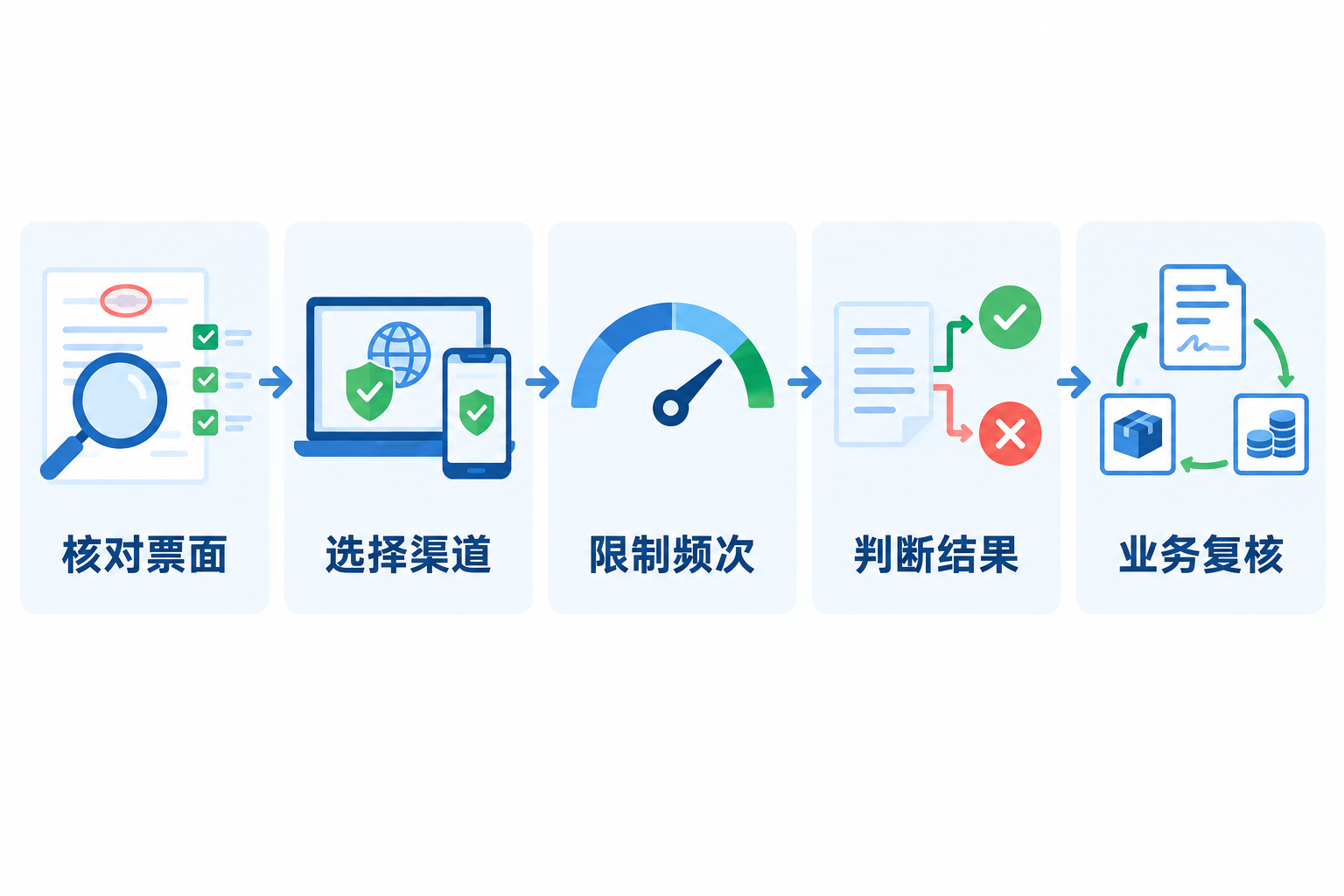
An invoice verification error does not necessarily mean a fake invoice, nor should it always be attributed to tax data delays. A more reliable troubleshooting order is: first check the invoice type and invoice face fields, then confirm the verification channel, daily attempt limit, browser and certificate environment, and finally judge risk based on invoice status and the genuine transaction. In particular, fully digitalized e-invoices have different fields from traditional paper invoices, and continuing old form habits can easily cause invalid submissions.
Verification addresses "whether the invoice face information matches"; business authenticity, purpose confirmation, and accounting treatment still require separate review. |
▍1. First check required fields by invoice type
Traditional invoices may involve fields such as invoice code, number, invoicing date, amount, or check code; fully digitalized e-invoices use a 20-digit invoice number and no longer have an invoice code, password area, or similar content. When entering data, rely on the current prompts on the invoice face and the official verification page, and avoid applying traditional invoice fields to fully digitalized e-invoices. AI OCR can assist in extracting candidate fields, but manual verification is still required for low confidence, abnormal layouts, or blurry images, and it must not be promoted as "recognition means booking."
▍2. Prioritize official channels and check the usage environment
Units and individuals can use the tax digital account, the electronic invoice service platform, orNational VAT Invoice Verification Platform of the State Taxation AdministrationVerify fully digitalized e-invoices. When using the national platform for the first time, install the root certificate and enable necessary scripts according to the page prompts; if the verification code does not display, the page loads abnormally, or submission does not respond, first switch to a browser recommended by the official platform and troubleshoot the network and certificate environment.
▍3. Stop repeating the old claim that "same-day invoices can only be checked the next day"
The National VAT Invoice Verification Platform currently states: invoices issued on the same day can be verified that day; each invoice can be verified at most 5 times per day; invoices issued within the most recent 5 years by the electronic invoice service platform or the VAT invoice management system can be verified. Frequent repeated submissions may hit the attempt limit, so the number of submissions and returned results should be recorded rather than endlessly refreshing. If the platform indicates the limit is exceeded, check again on a later date.
▍4. Passing verification does not mean the business is genuine or deductible
The official platform clearly provides only verification results for the invoice face information of the queried invoice. Enterprises should still check the correspondence among the invoicing and receiving entities, contracts, goods or services, receipts and payments, acceptance, and invoices. State Taxation AdministrationQ&A on compliant invoice issuanceIt also emphasizes a closed loop of genuine business and relevant supporting materials. When an invoice is voided, reversed, or identified as an abnormal voucher, it should also be handled in accordance with current regulations.
▍5. Duplicate invoices must be judged by unique identifier and business status together
Electronic invoices can be downloaded or printed multiple times, so duplication cannot be judged solely by file name, layout, or the number of times an employee uploaded it. The system should establish an invoice pool based on the invoice's unique identifier, key invoice face fields, and business documents, and record verification, reimbursement, booking, purpose confirmation, and archiving status. When the same invoice is found linked to multiple reimbursement applications, subsequent processing should be suspended and verified by the responsible person.
▍6. Batch verification must retain authorization, results, and exception queues
Kailing TechnologyInput VAT Invoice ManagementInvoice data can be aggregated, verification and duplicate checking performed, and status written back based on enterprise authorization, interface conditions, and project configuration. Batch processing should set a unique task identifier and resume from unfinished steps when the network is interrupted or partially fails; before results enter accounting or archive processes, the review and approval specified by the enterprise must still be carried out.
Keywords: invoice verification, invoice verification failure, fully digitalized e-invoice verification, National VAT Invoice Verification Platform, invoice duplicate checking, AI OCR, input VAT invoice management, Kailing Technology
As a comprehensive business-finance-tax digitalization solution service provider, Kailing Technology provides business-finance-tax management digital transformation products and operational services for various government agencies, institutions, and large, medium, and small enterprises. The product line includes: solutions for sales contract management system, procurement contract management system, fully digitalized Leqi interface project, automatic output invoicing system, reverse invoicing system, invoice issuance for individuals system, employee expense control and reimbursement system, input VAT invoice management system, supply chain collaborative reconciliation system, image AI OCR recognition system, automatic financial bookkeeping system, electronic accounting archives system, etc., comprehensively driving the digitalization process across various fields.
Consultation Hotline: 18513895936 / 010-60974119 Location: Beijing