
Which free version of purchase, sales, and inventory is good to use? Use five-step hands-on testing to judge suitability
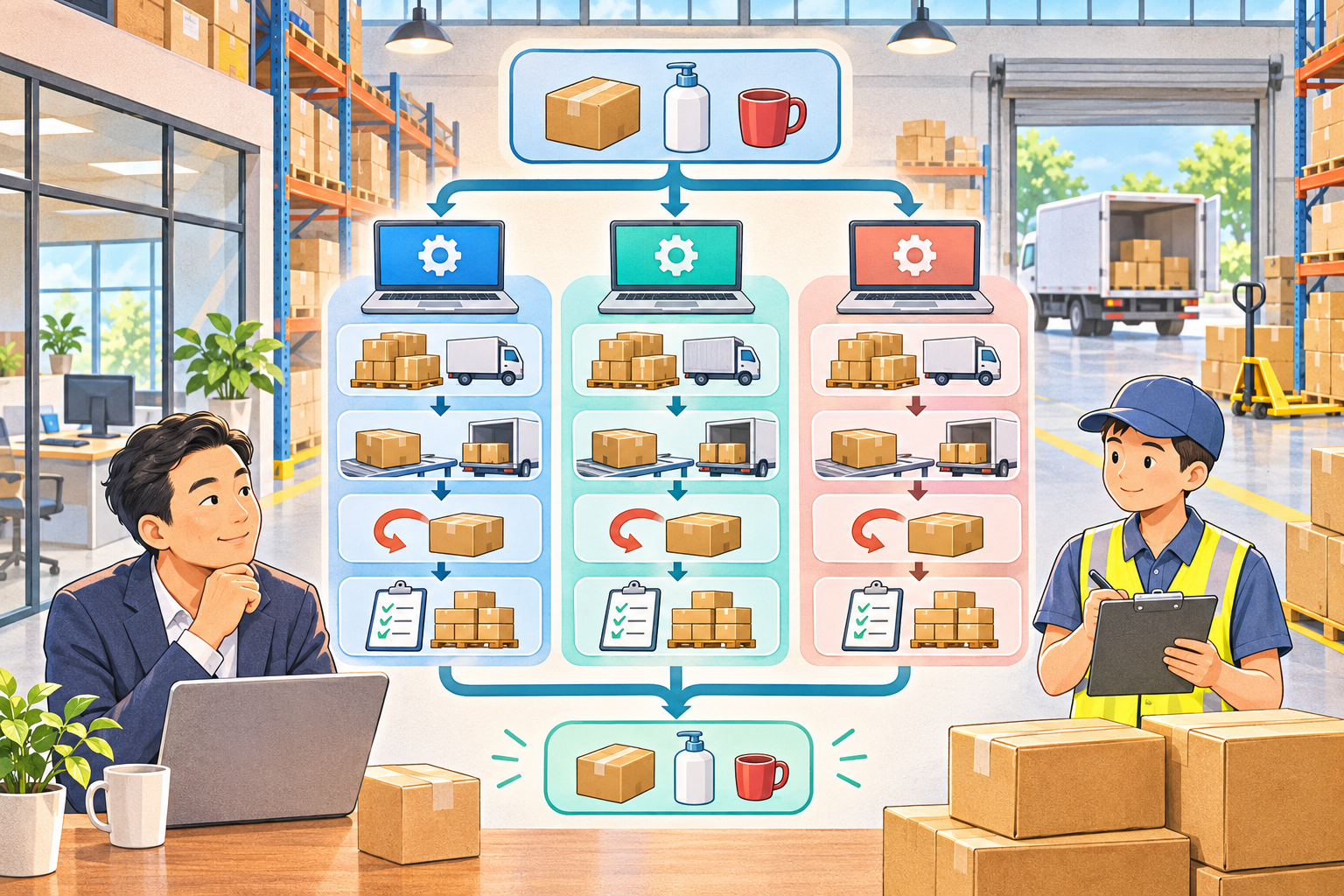
Which free version of purchase, sales, and inventory software is good to use? There is no unified answer detached from enterprise scenarios. The most reliable method is to have all candidate versions use the same set of desensitized data to complete the five-step hands-on test of file creation, procurement, sales returns, inventory count correction, and month-end export.
The free version is suitable for low-cost process validation, but the scope of "free" may involve the number of users, warehouses, document volume, mobile access, interfaces, backup, technical support or usage period. Before comparing, first record the candidate product names, versions, verification dates and official descriptions, then test with unified standards; do not mix promotional pages of different versions, and do not draw conclusions based only on the number of menus.
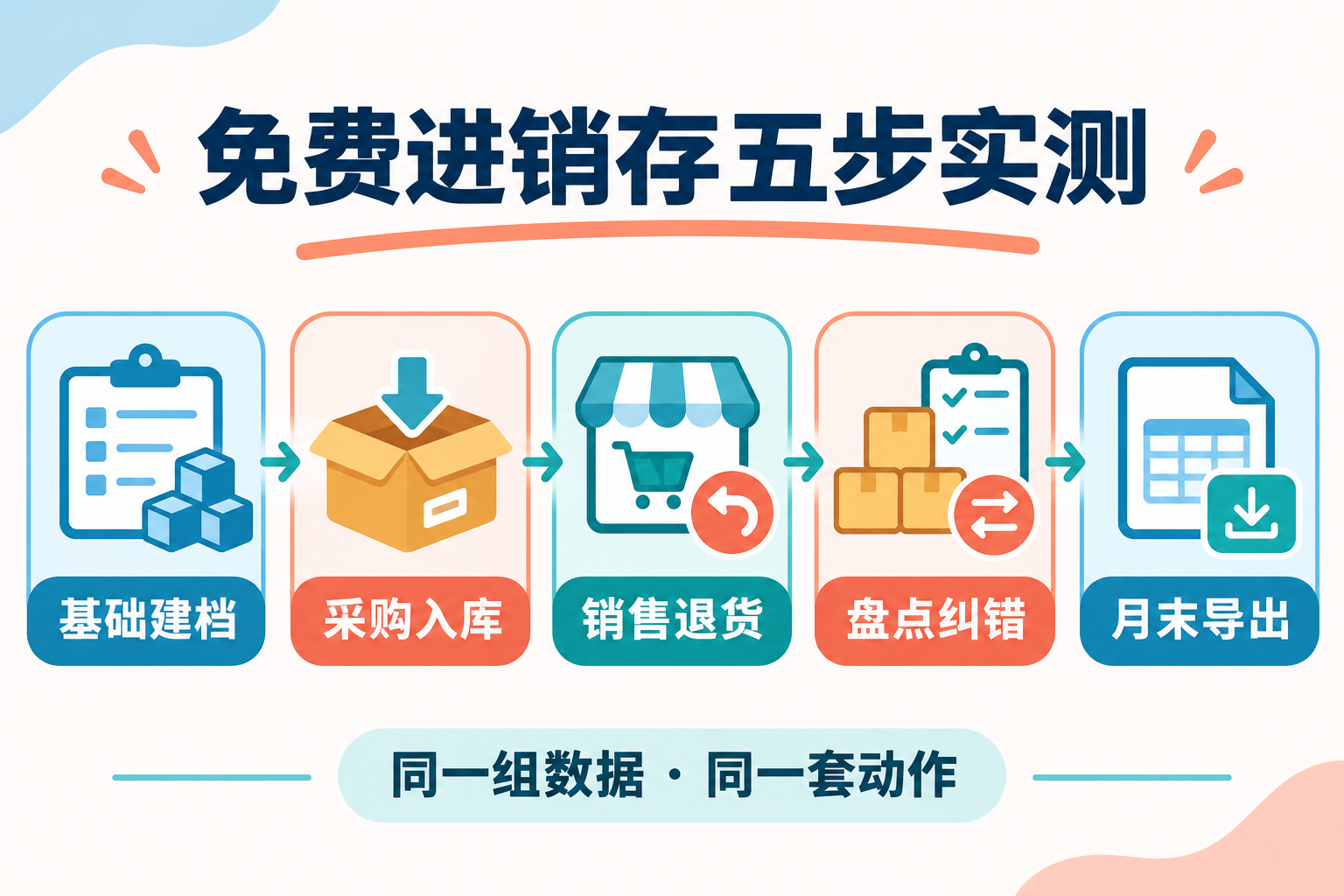
Step 1: Basic record creation, check whether import and coding are controllable
Prepare a small amount of product, customer, supplier and warehouse data, and test batch import, duplicate checks, coding rules, required fields and error prompts. Then modify one master data record and check whether historical documents are affected and whether the operation leaves an audit trail. Whether a new employee can independently create records according to the rules is more informative than how fast a demonstrator can operate.
Step 2: Purchase receipt, check whether costs and document relationships can be explained
Simulate ordinary purchases, discounts, freight and partial arrivals, and check how orders, receipts or warehouse entries, payables and invoices are linked. If the company involves batches, expiry dates, serial numbers or multiple units of measure, these should be included as mandatory test samples. The free version not supporting a complex capability does not mean the product is bad; it only means it is not suitable for the current process.
Step 3: Sales and returns, check whether exceptions can return to the original business
Test cash sales, credit sales, partial shipments and sales returns separately. Observe whether inventory, receivables and original document status are synchronized, whether returns can be linked to the original document, and how approved documents are corrected. If the system allows effective documents to be deleted directly without retaining records, internal control risks should be further assessed.
Step 4: Inventory count correction, check whether inventory differences can be traced
Set up samples where book quantities differ from physical counts, and check inventory count locking, difference approval, adjustment documents and responsibility records. Multi-warehouse companies should also test in-transit transfers, negative inventory and duplicate submissions. Whether month-end inventory differences can be clearly explained is often more important than whether the homepage charts look good.
Step 5: Month-end export, check whether the company can take away complete data
Export receipts and issues, inventory balances, counterparty reconciliations, document lists and master data, and check whether fields, dates, codes and amounts are complete and whether they can be handed to accounting for further processing. Then verify backup, recovery, permission handover and data export after deactivation. Only when data is migratable will a free trial not become long-term lock-in.
When to keep using the free version and when to upgrade
If the business is simple, single-warehouse and has few operators, and all five steps run stably with backup and export meeting requirements, the free version can continue to be used. If multi-user conflicts are frequent, batches or multiple warehouses cannot be tracked, month-end work long relies on Excel to fill gaps, or business documents need to enter financial accounting, paid versions or professional solutions should be compared. When calculating, consider users, interfaces, implementation, migration, operations and maintenance, upgrades and exit costs together, rather than only comparing first-year prices.
How do invoices, filing and archives connect?
Purchase, sales, and inventory systems mainly manage business and inventory, while invoices, accounting booking, tax filing, and electronic accounting archives may be completed by other systems or manual steps. When evaluating Kailing Technology's related invoice, OCR, tax filing, or electronic accounting archives solutions, verify on site the import files or interfaces, authorization scope, manual review, exception rollback, and logs. OCR field recognition cannot be directly equated with accounting booking, and successful invoicing does not mean accounting processing has been completed.
Conclusion: Whether the free version is good should be decided by the same set of data, the same five-step actions and the same issue checklist. Keep test records and failure samples, then choose to continue using, upgrade the version or change the approach based on enterprise complexity.
(The free scope and capabilities of the product may change due to version, region, service period, and project scope. During selection, please rely on the vendor's current official statements, actual demonstrations, contract terms, and data export tests.)
As a comprehensive business-finance-tax digitalization solution service provider, Kailing Technology provides business-finance-tax management digital transformation products and operational services for various government agencies, institutions, and large, medium, and small enterprises. The product line includes: solutions for sales contract management system, procurement contract management system, fully digitalized Leqi interface project, automatic output invoicing system, reverse invoicing system, invoice issuance for individuals system, employee expense control and reimbursement system, input VAT invoice management system, supply chain collaborative reconciliation system, image AI OCR recognition system, automatic financial bookkeeping system, electronic accounting archives system, etc., comprehensively driving the digitalization process across various fields.
Consultation Hotline: 18513895936 / 010-60974119 Location: Beijing