
How to choose invoice scanning and recognition software? Say goodbye to manual entry
How to choose invoice scanning and recognition software? Say goodbye to manual entry and double your financial efficiency
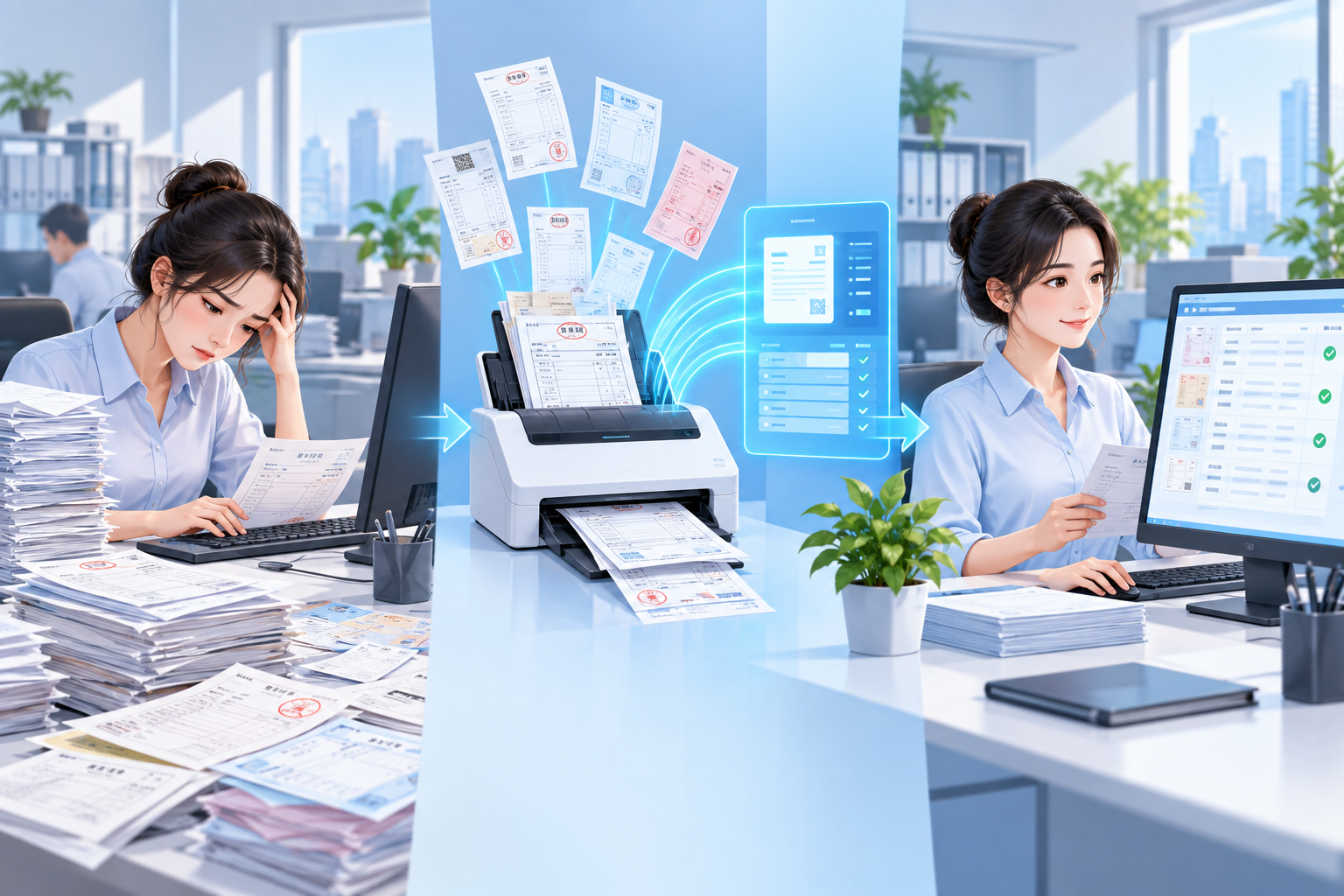
What is the biggest headache at month-end for finance? A pile of invoices waiting to be entered into the system, straining the eyes, tiring the fingers, and still prone to errors. Manual entry is not only slow, but mistakes in tax numbers and amounts are even more feared, causing tax filing trouble and reconciliation difficulties. In fact, the problem is not that there are too many invoices, but that the wrong tool was chosen. Kailing Technology AI OCR intelligent recognition makes invoice scanning and recognition no longer "manual work," but an automated process "completed in seconds."
"The essence of invoice scanning and recognition is not turning images into text, but turning bills into data and directly entering accounts." |
▍1. Traditional invoice entry—how painful are the pain points really?
Many enterprises still process invoices manually: first scanning or photographing them one by one, then manually entering them into ERP or financial systems while looking at a computer. A single invoice takes an average of 3-5 minutes, and when handwriting is blurry or seals obscure information, repeated verification is required. With hundreds of invoices a month, entry alone consumes a large amount of finance staff time, not to mention subsequent verification, duplicate checking, and archiving. According to the State Taxation Administration's requirements on promoting electronic invoices, enterprises should accelerate the development of financial informatization, and invoice recognition is precisely the first step.
▍II. AI OCR recognition: why can it achieve "recognition-triggered booking"?
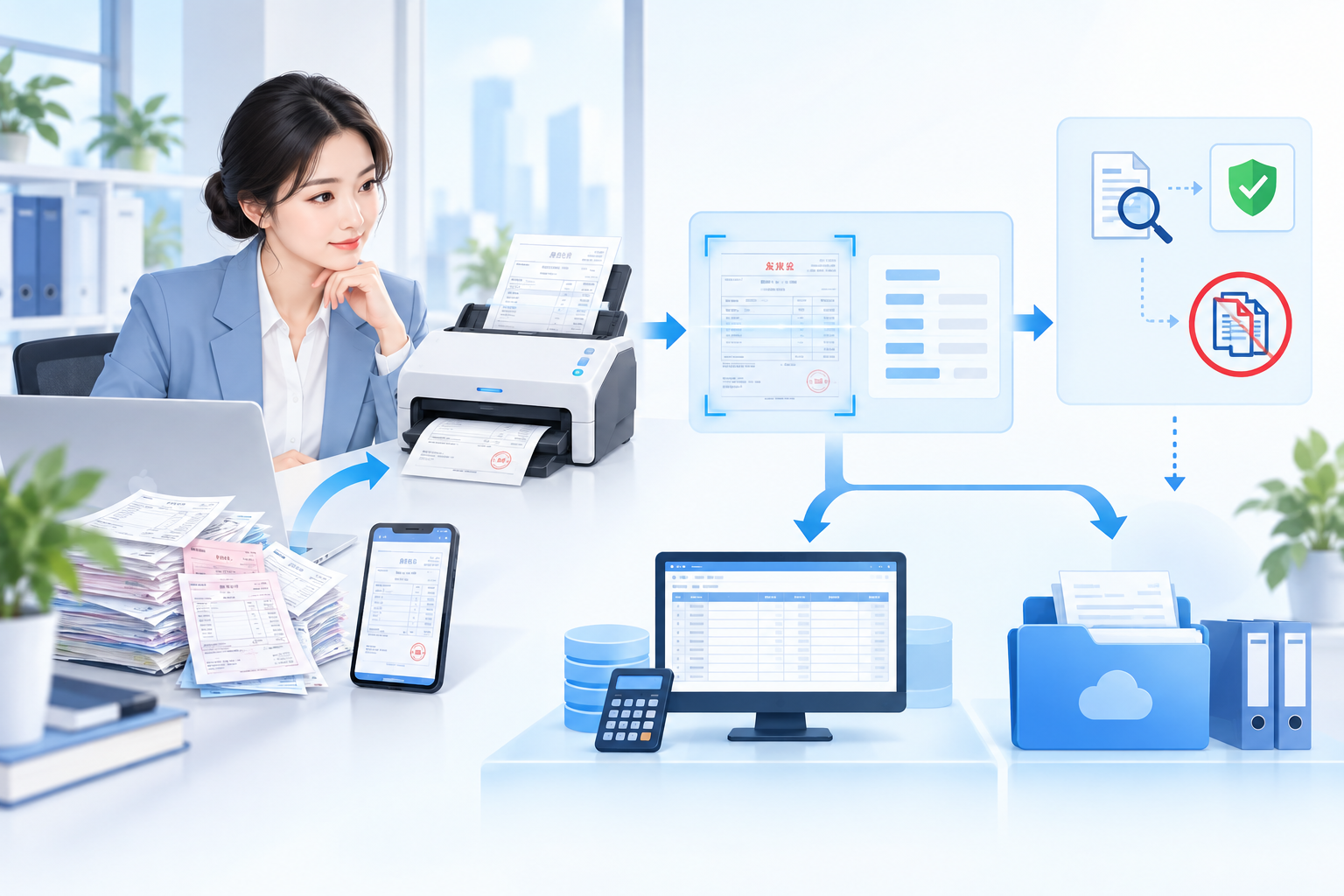
Kailing Technology's AI OCR intelligent recognition uses deep learning algorithms and supports VAT invoices, train tickets, taxi receipts, fixed-amount invoices, bank receipts, and other receipt types. After taking a photo or scanning, the system automatically recognizes key information on the receipt: invoice code, number, amount, tax amount, buyer, seller, etc., and automatically fills it into the corresponding fields in the financial system. More importantly, the recognition results connect directly to Kailing's input VAT invoice management, expense control and reimbursement, and other modules, achieving "recognition is posting" with no need for secondary entry.
▍III. When choosing software, what else should be considered besides recognition rate?
Recognition rate is important, but what matters more is whether the software can integrate into the enterprise's existing processes. Kailing AI OCR is not just a point tool, but seamlessly integrates with the electronic accounting archives system: storage upon scanning, archiving upon recognition, and compilation upon association. After invoice recognition, invoices are automatically collected under the corresponding voucher, supporting one-click generation of electronic accounting archives to meet the compliance requirements of the Measures for the Administration of Electronic Accounting Archives. In addition, the system automatically connects to the tax authority to complete invoice verification and duplicate checking, preventing duplicate reimbursement and fake invoice risks.
▍IV. How does Kailing AI OCR help enterprises cut costs and boost efficiency?
Taking a medium-sized trading company as an example, the finance department processes about 800 invoices per month. After using Kailing AI OCR, entry time was shortened from 40 hours to 2 hours, and the error rate dropped by 90%. Finance staff were freed from tedious entry and focused on review and data analysis. Kailing AI OCR also supports batch scanning and mobile photo recognition; business staff can simply take a photo, and the finance side receives the data in real time, greatly speeding up the approval process. This is the tangible value brought by digitalization.
Keywords: Invoice scanning and recognition software, AI OCR, recognition equals booking, document recognition, financial automation, Kailing Technology, electronic accounting archives, input VAT invoice management
As a comprehensive business-finance-tax digitalization solution service provider, Kailing Technology provides business-finance-tax management digital transformation products and operational services for various government agencies, institutions, and large, medium, and small enterprises. The product line includes: solutions for sales contract management system, procurement contract management system, fully digitalized Leqi interface project, automatic output invoicing system, reverse invoicing system, invoice issuance for individuals system, employee expense control and reimbursement system, input VAT invoice management system, supply chain collaborative reconciliation system, image AI OCR recognition system, automatic financial bookkeeping system, electronic accounting archives system, etc., comprehensively driving the digitalization process across various fields.
Consultation Hotline: 18513895936 / 010-60974119 Location: Beijing