
Invoice OCR recognition failure? 5 simple solutions
Invoice OCR recognition failure? 5 simple solutions to say goodbye to manual entry troubles
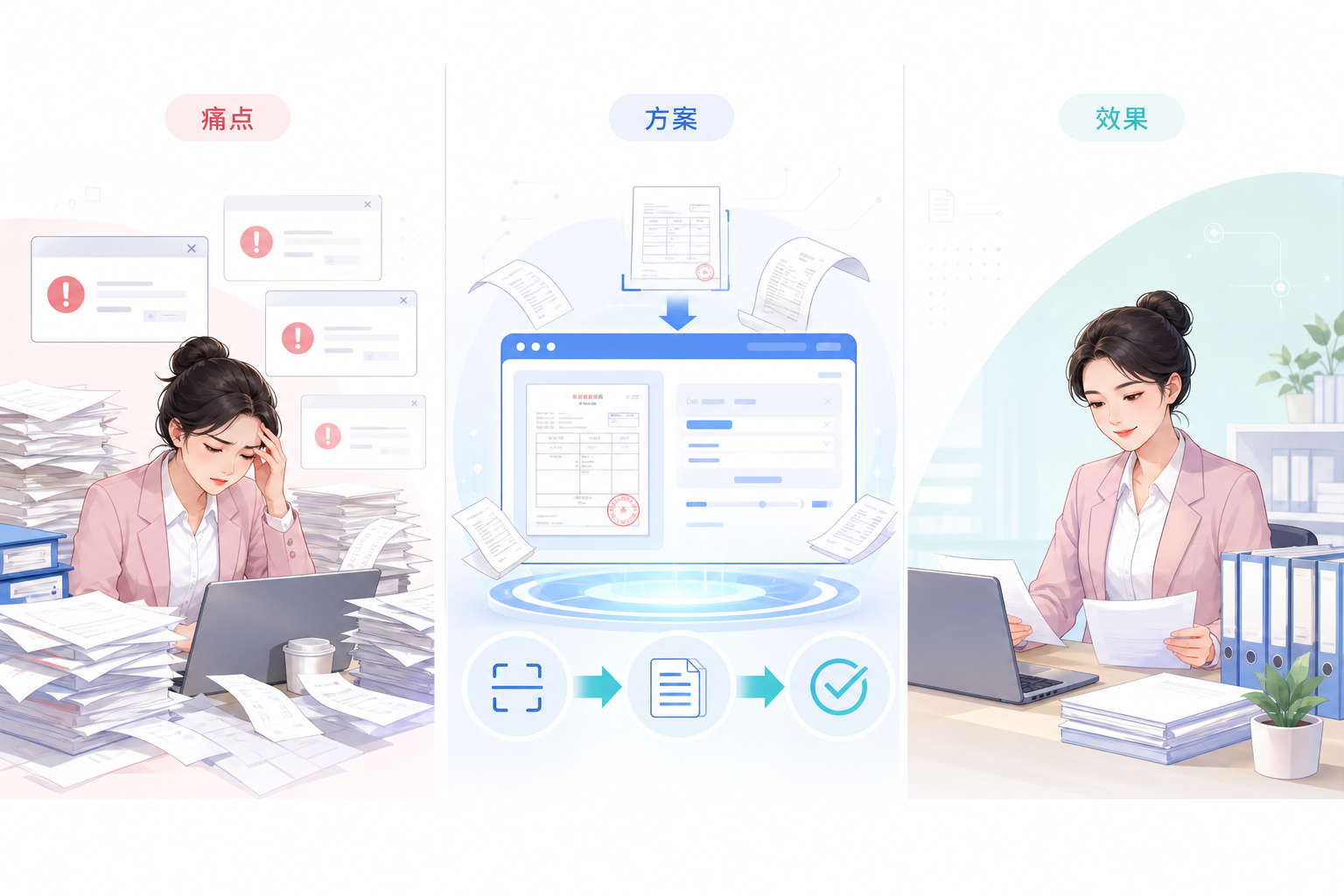
Finance processes dozens of invoices every day, yet AI OCR recognition failures occur frequently: blur, skew, glare, stamp obstruction... Once recognition fails, manual supplementary entry is required, which is inefficient and error-prone, and month-end reconciliation means endless overtime. In fact, recognition failure is not unsolvable; the key is choosing the right tool and method. Kailing Technology AI OCR intelligent recognition directly connects to the tax bureau for automatic verification, and recognition is booking, freeing finance from tedious work.
"Recognition failure is not a technical problem, but a matter of choosing processes and tools." |
▍1. What are the most common reasons for invoice OCR recognition failure?
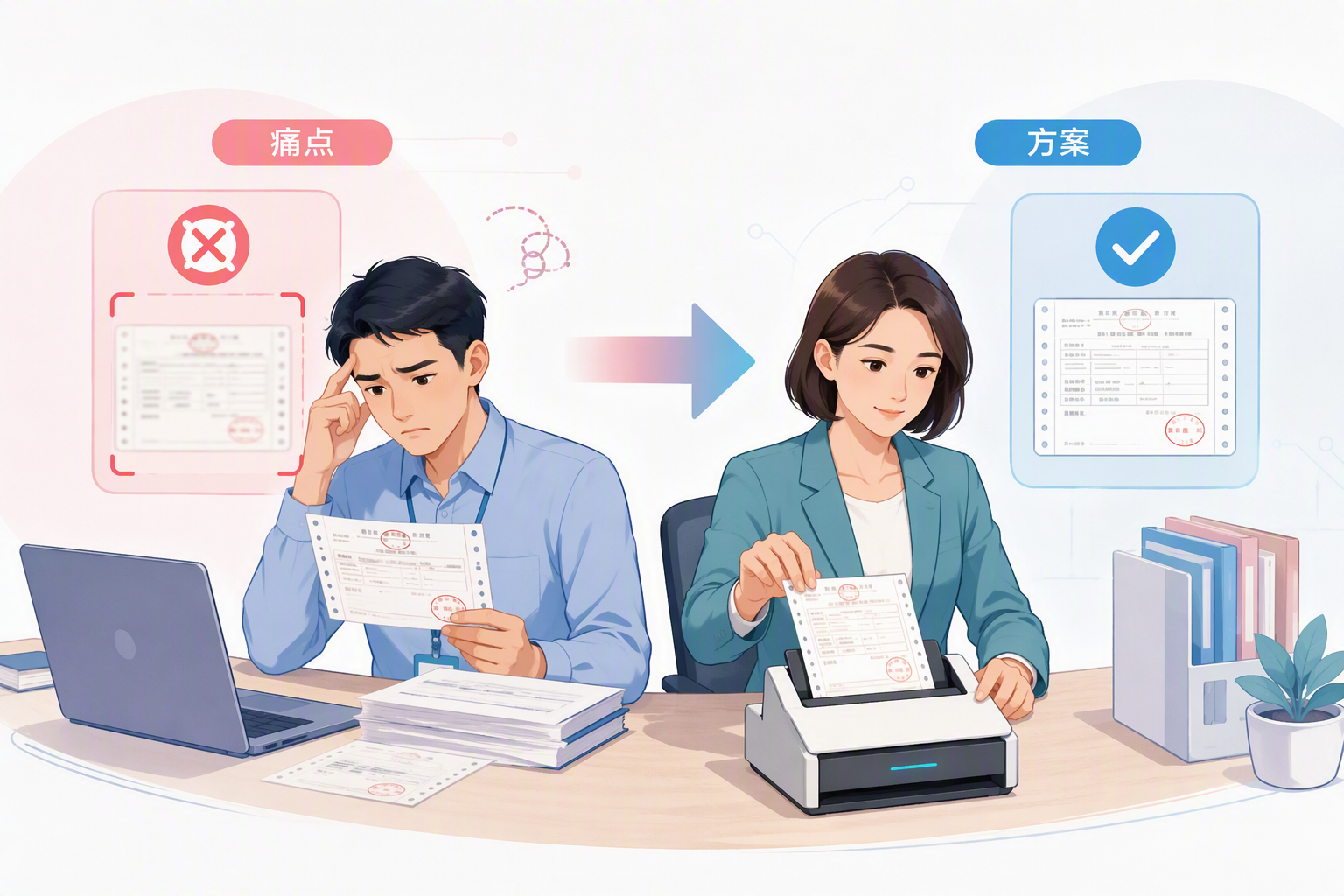
Invoice OCR recognition failure is caused by nothing other than poor image quality (blur, tilt, uneven lighting), diverse invoice types (fully digitalized e-invoices, paper invoices, roll invoices), template mismatch, stamp interference, and so on. According to the Electronic Invoice Management Measures, enterprises need to ensure data is authentic and complete, but traditional OCR has limited support for complex layouts. Kailing AI OCR uses deep learning algorithms, supports 200+ invoice layouts, automatically corrects tilt, removes shadows, and greatly improves recognition rates.
▍II. Step one: optimize image quality to reduce failures at the source
When taking photos, ensure sufficient light, keep the invoice flat, avoid reflections, and use high-resolution mode. When scanning, choose 300dpi or above and save as PNG or JPG. Kailing AI OCR has built-in image enhancement that can automatically crop, rotate, and denoise, and can still extract key information as much as possible even if the original image is poor. After optimization, the recognition failure rate can be reduced by more than 50%.
▍III. Step two: use the self-learning capability of AI OCR to adapt to special layouts
Traditional OCR relies on fixed templates and "goes on strike" when encountering new layouts. Kailing AI OCR supports custom templates and self-learning: finance staff only need to annotate once, and the system remembers the layout and automatically recognizes it thereafter. For frequently appearing supplier invoices, a dedicated template library can be built, making recognition "more accurate with use." According to Kailing customer feedback, after template optimization, recognition accuracy can reach over 99%.
▍IV. Step three: manual review and intelligent error correction, double insurance as a backstop
Even if recognition fails, Kailing AI OCR provides a confidence score, and low-score invoices automatically enter a manual review queue with keyboard shortcut editing support. At the same time, the system directly connects to the tax bureau for automatic verification, ensuring invoice authenticity and consistency of the invoice information. This "machine + human" closed loop ensures both efficiency and compliance.
▍V. Step four: connect with the input VAT invoice management system to achieve posting upon recognition
Recognition is not the endpoint; accounting is the goal. The Kailing input VAT invoice management system directly connects to the tax bureau to automatically obtain all invoice sources, verifying and checking for duplicates to prevent duplicate or missed reporting. OCR recognition results are automatically synced to the system, automatically generating vouchers without secondary entry. If recognition fails, the system prompts for supplementary entry, but all data is traceable, ensuring accounting completeness.
Keywords: Invoice OCR recognition failure, OCR recognition solutions, AI OCR, invoice recognition, input VAT invoice management, Kailing Technology
As a comprehensive business-finance-tax digitalization solution service provider, Kailing Technology provides business-finance-tax management digital transformation products and operational services for various government agencies, institutions, and large, medium, and small enterprises. The product line includes: solutions for sales contract management system, procurement contract management system, fully digitalized Leqi interface project, automatic output invoicing system, reverse invoicing system, invoice issuance for individuals system, employee expense control and reimbursement system, input VAT invoice management system, supply chain collaborative reconciliation system, image AI OCR recognition system, automatic financial bookkeeping system, electronic accounting archives system, etc., comprehensively driving the digitalization process across various fields.
Consultation Hotline: 18513895936 / 010-60974119 Location: Beijing