
How to do invoice OCR recognition? Say goodbye to the troubles of manual entry
How to do invoice OCR recognition? Say goodbye to the troubles of manual entry and achieve intelligent financial processing
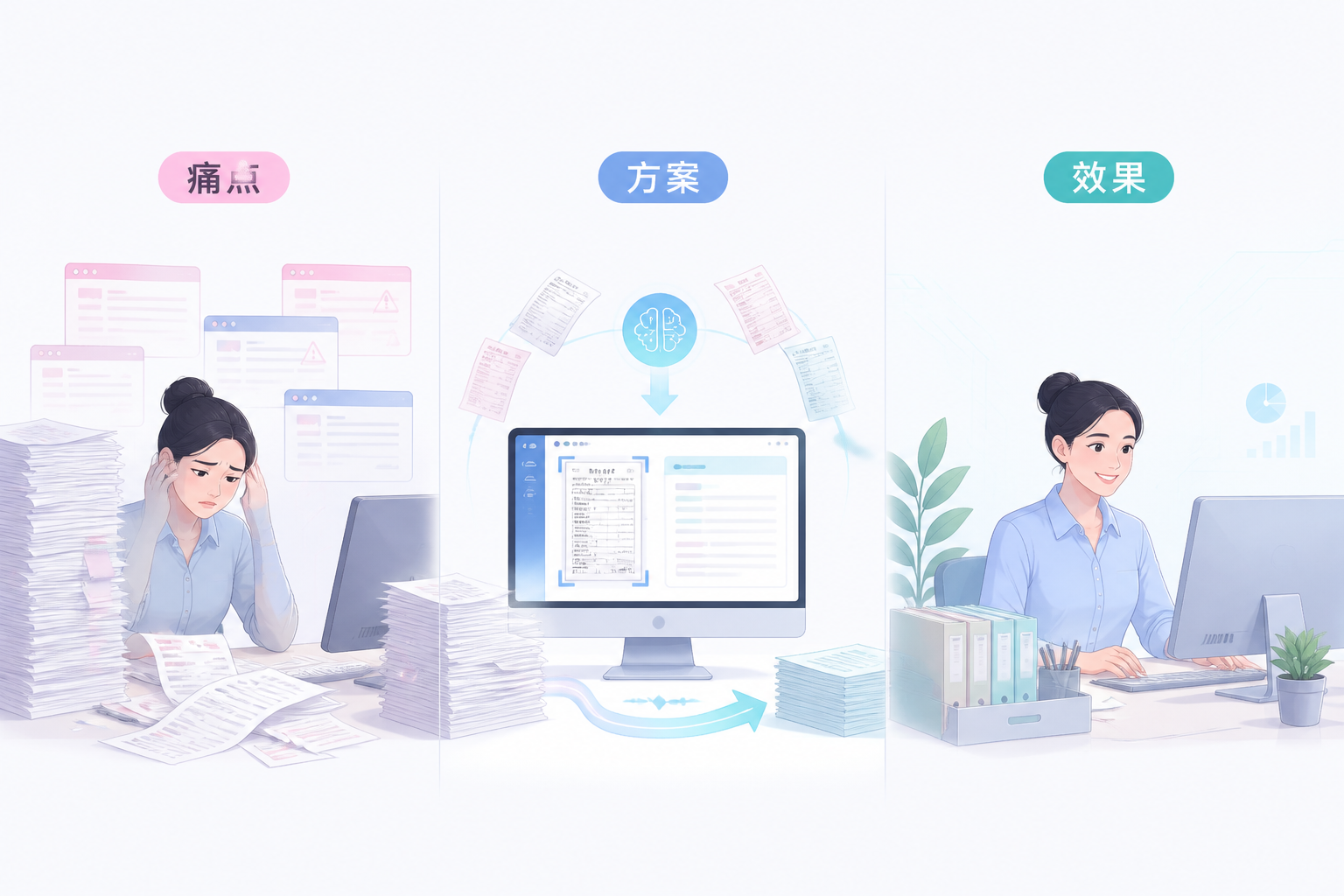
Every month during reimbursement season, finance staff face mountains of invoices, manually entering, checking, and verifying them one by one, which is not only time-consuming and labor-intensive but also error-prone, leading to long reimbursement cycles and many employee complaints. In fact, invoice OCR recognition technology has long been mature. Through AI OCR intelligent recognition, key invoice information can be automatically extracted and directly generate reimbursement forms or vouchers, freeing finance from tedious entry. Kailing Technology's AI OCR intelligent recognition product was born exactly for this.
"Invoice OCR recognition is not simple photo recognition, but recognition that directly enters accounts, allowing data to flow automatically." |
▍1. What types of documents can invoice OCR recognition recognize?
Kailing AI-OCR Intelligent Recognition Supports VAT Invoices, Railway Tickets, Taxi Receipts, Fixed-amount Invoices, Bank Receipts and Other Documents, and Can Also Recognize Contracts, Licenses and Certificates. Through Deep Learning Algorithms, It Can Accurately Extract Key Fields Such as Invoice Code, Number, Amount, Date and Buyer/Seller Information, with Recognition Accuracy of Over 99%. Whether Electronic or Paper Invoices, Just Take a Photo or Upload a PDF for Quick Recognition, Without Manual Entry.
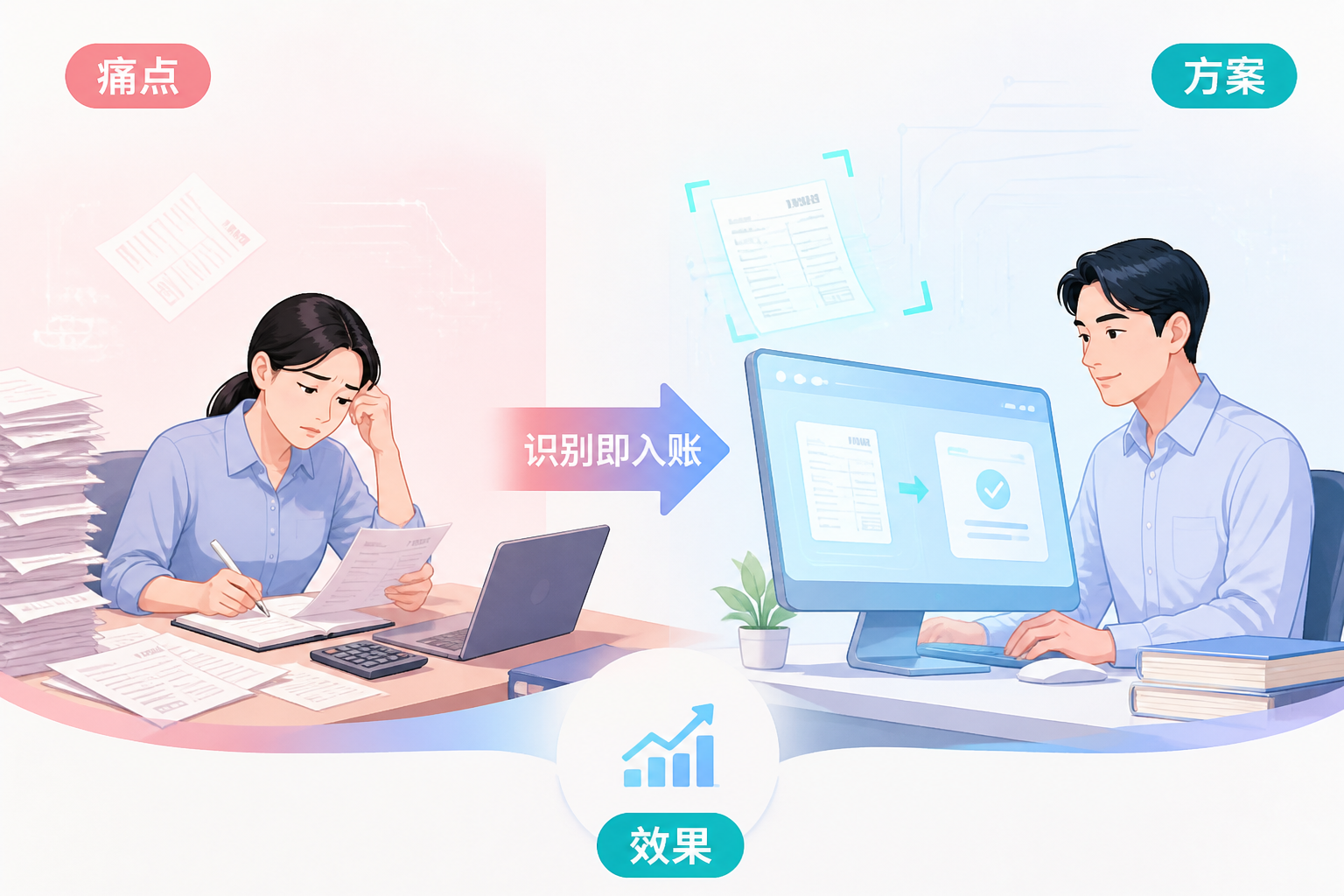
▍II. How does invoice OCR recognition achieve "recognition-triggered booking"?
After Kailing AI OCR recognition, data is automatically connected to the financial system to generate expense reimbursement forms or accounting vouchers, achieving seamless connection from recognition to posting. At the same time, combined with input VAT invoice management, it automatically verifies authenticity and checks for duplicates to prevent repeated reimbursement. The recognized data can also be synchronized to the electronic accounting archives system for automatic archiving, forming a complete electronic voucher chain and meeting compliance requirements.
▍3. What pain points can invoice OCR recognition solve?
Slow manual entry, error-prone, difficult to distinguish invoice authenticity, hard to prevent duplicate reimbursement—these are daily pain points in finance. Kailing AI-OCR recognition reduces entry time from 3 minutes per invoice to 3 seconds, with error rates reduced by over 90%. Meanwhile, through automatic verification and duplicate checking, fake and duplicate invoices are eliminated, reducing tax risks. Finance staff can free up time for more valuable analytical work, improving department efficiency.
▍IV. How is Kailing AI OCR recognition implemented?
Kailing AI-OCR Supports PC and Mobile; Employees Can Upload Invoices Anytime and Anywhere, and the System Automatically Recognizes and Pushes Them to the Approval Process. Enterprises Can Flexibly Configure Recognition Fields and Connect to Existing ERP or Financial Software According to Their Own Needs. Kailing Also Provides API Interfaces for Easy Integration into Enterprises' Own Systems to Achieve Full-process Automation. Currently, Kailing AI-OCR Has Served Many Small and Medium-sized Enterprises, Helping Customers Achieve Financial Digital Upgrading.
Keywords: Invoice OCR recognition, AI OCR, intelligent recognition, recognition-to-bookkeeping, financial automation, Kailing Technology
As a comprehensive business-finance-tax digitalization solution service provider, Kailing Technology provides business-finance-tax management digital transformation products and operational services for various government agencies, institutions, and large, medium, and small enterprises. The product line includes: solutions for sales contract management system, procurement contract management system, fully digitalized Leqi interface project, automatic output invoicing system, reverse invoicing system, invoice issuance for individuals system, employee expense control and reimbursement system, input VAT invoice management system, supply chain collaborative reconciliation system, image AI OCR recognition system, automatic financial bookkeeping system, electronic accounting archives system, etc., comprehensively driving the digitalization process across various fields.
Consultation Hotline: 18513895936 / 010-60974119 Location: Beijing